A design, not a fill-in-the-blanks template
A typical wedding newspaper template is a layout full of placeholder text. You write every story yourself, then trim your love story line by line until it stops spilling into the menu.
A VowPress design starts from your answers instead. You spend about ten minutes answering questions in a chat on the homepage (or a step-by-step form), and rough notes are fine. VowPress writes the front-page story, your love story and proposal, wedding-party blurbs, fun facts, headlines, a weather "forecast" and crossword clues, then lays it all out in the design you picked. It uses only the facts you gave, and names, dates and times print exactly as you typed them.
Three things follow from that:
- The writing and the fitting are done for you. The text is written for the space it sits in, so you are not left cutting sentences to make a column fit.
- Every design has every page. Our Story, The Big Day, Puzzles and the rest exist in all nine designs, so you never fall for a look and then find it has no room for the crossword.
- Switch design any time and the text follows. Your edits move with you. Try The Vintage Gazette, then The Wedding Wire, without retyping a word.
How to choose a design for your wedding style
Start with the feel of the day, then check it against your best photo.
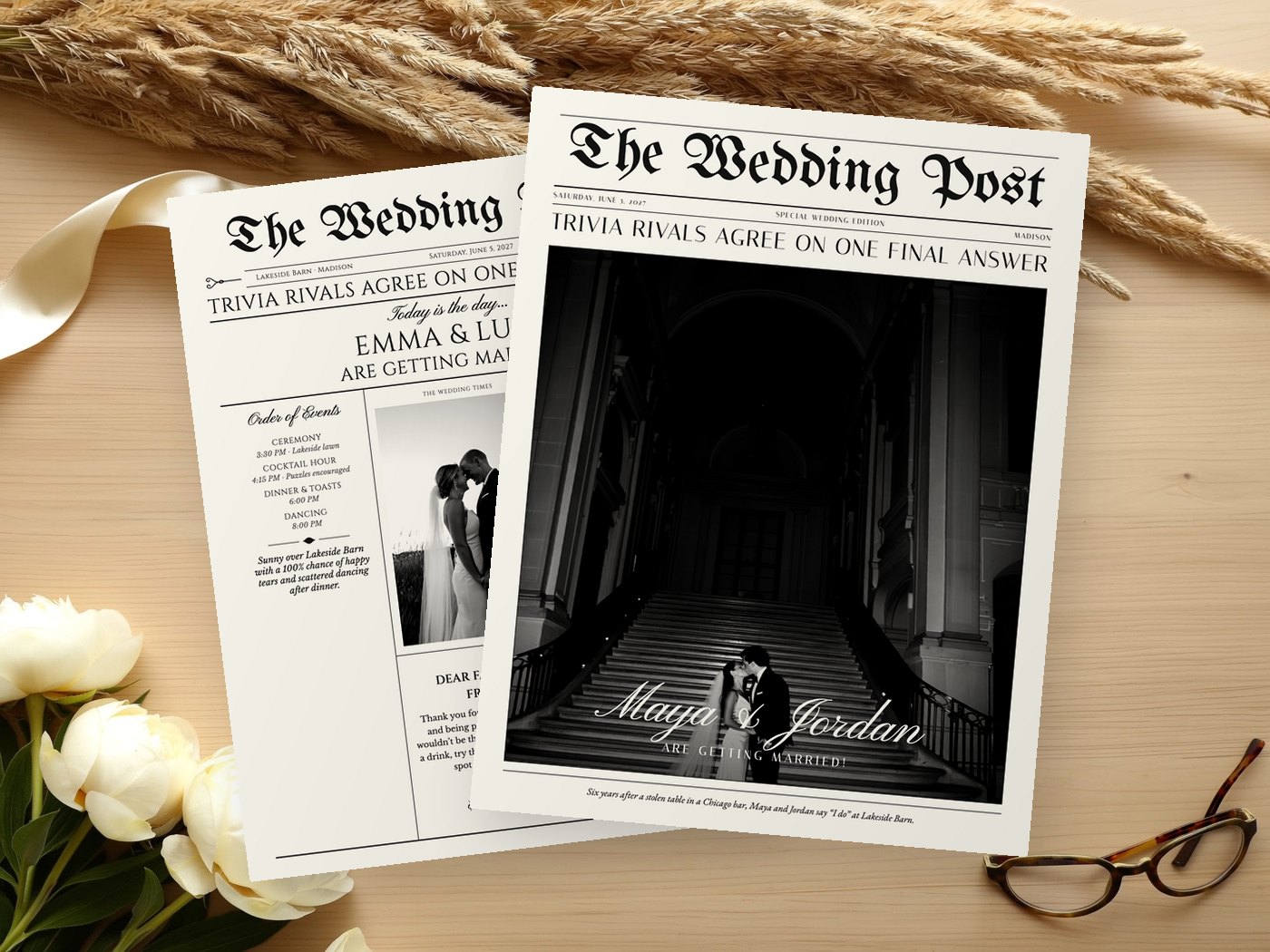
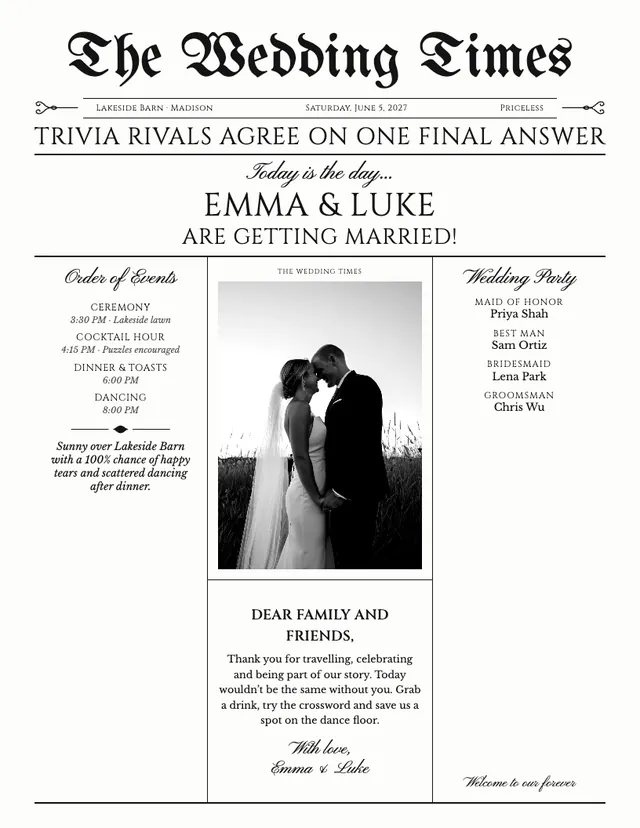
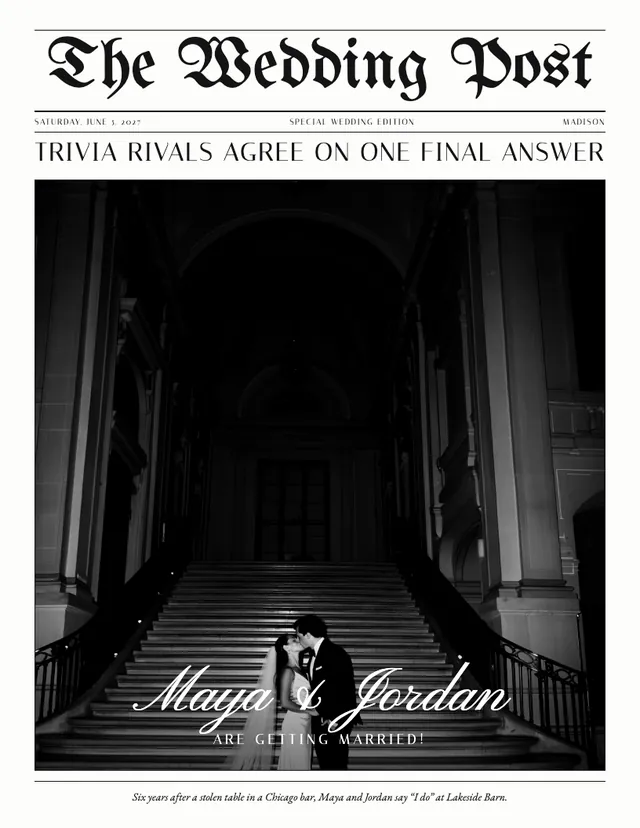
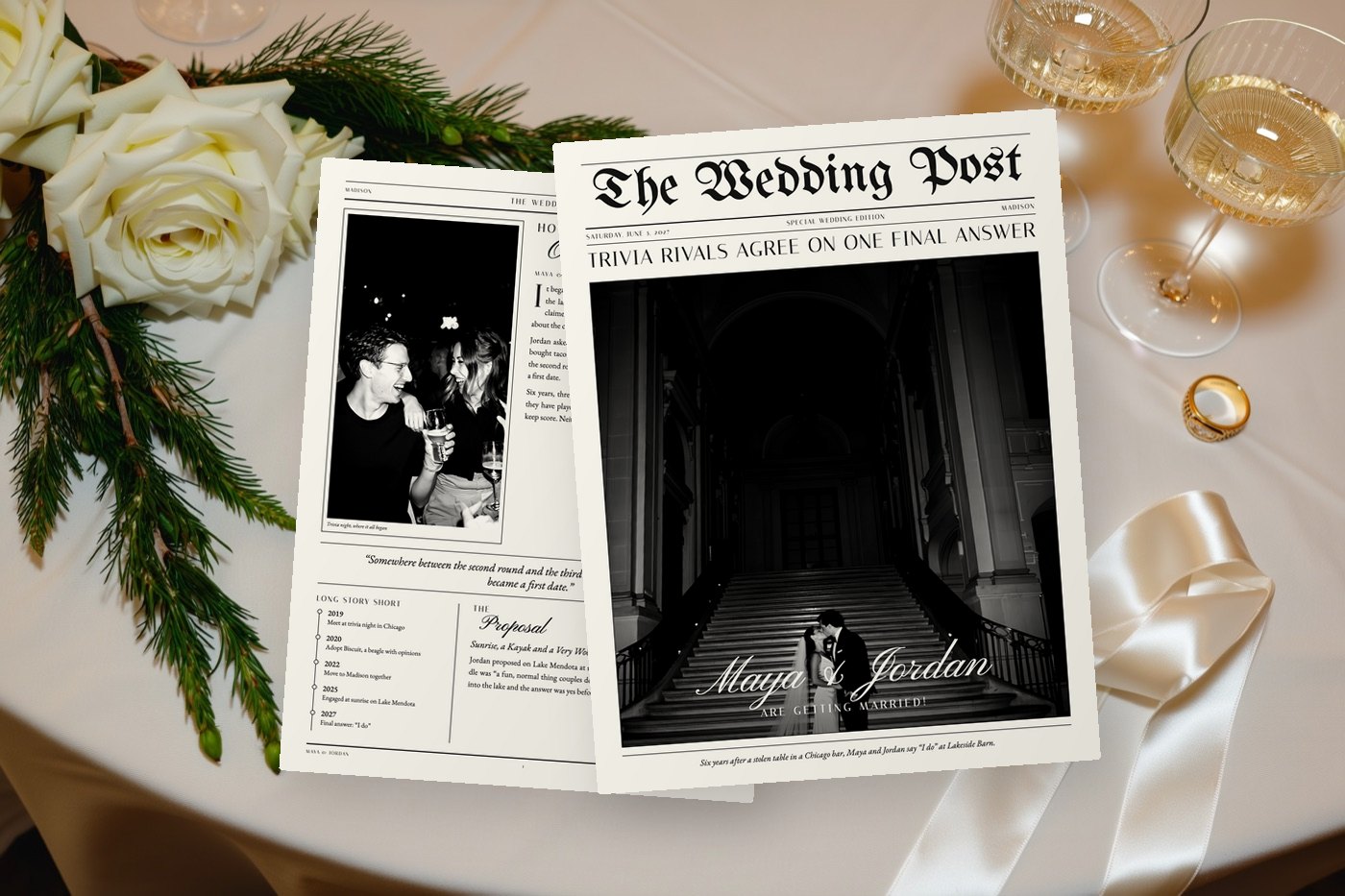
- Classic: The Wedding Times reads like a wedding-day program set in ruled columns under a blackletter masthead. The Wedding Post keeps the old-paper masthead but gives the front page to one big photo.
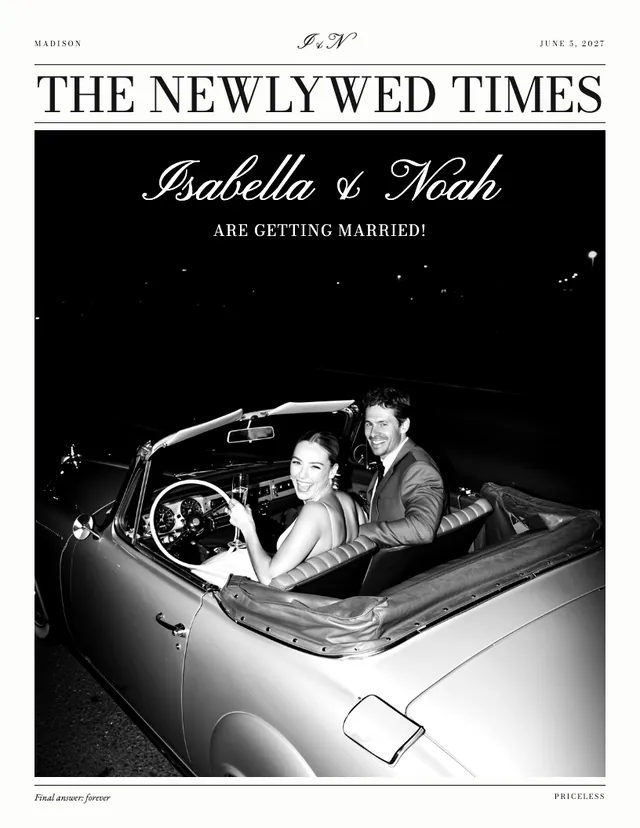
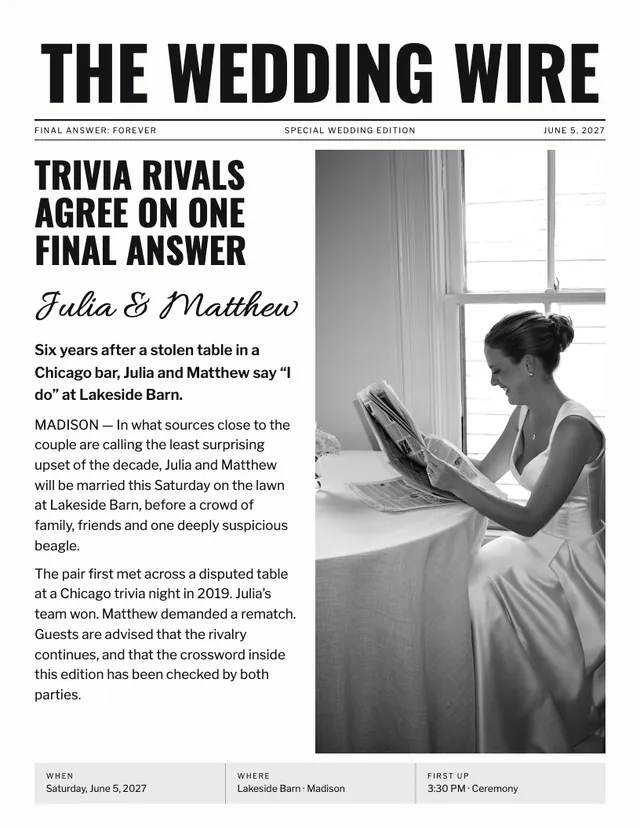
- Modern: The Wedding Wire uses tall condensed capitals and plain rules. The Newlywed Times is the dressier option: fine capitals and a tall photo that fills most of the page.
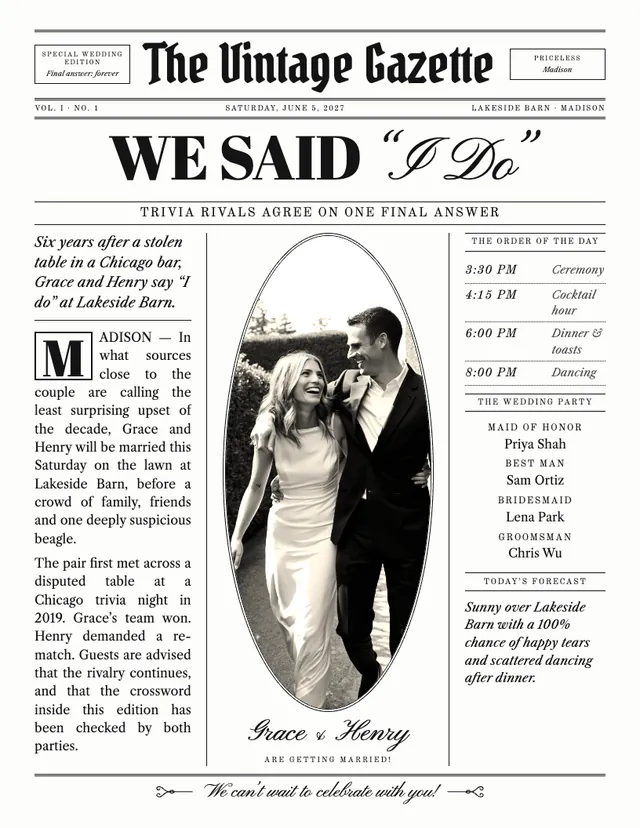
- Vintage: The Vintage Gazette looks like an antique broadsheet, with an ornate masthead, a drop-cap story and an oval photo.
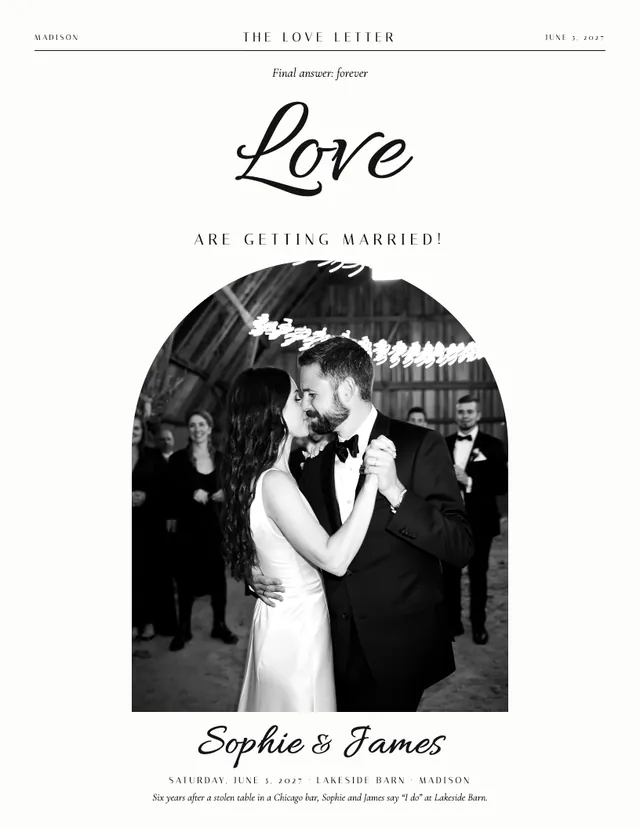
- Romantic: The Love Letter puts one giant script word over an arched photo and leaves plenty of white space.
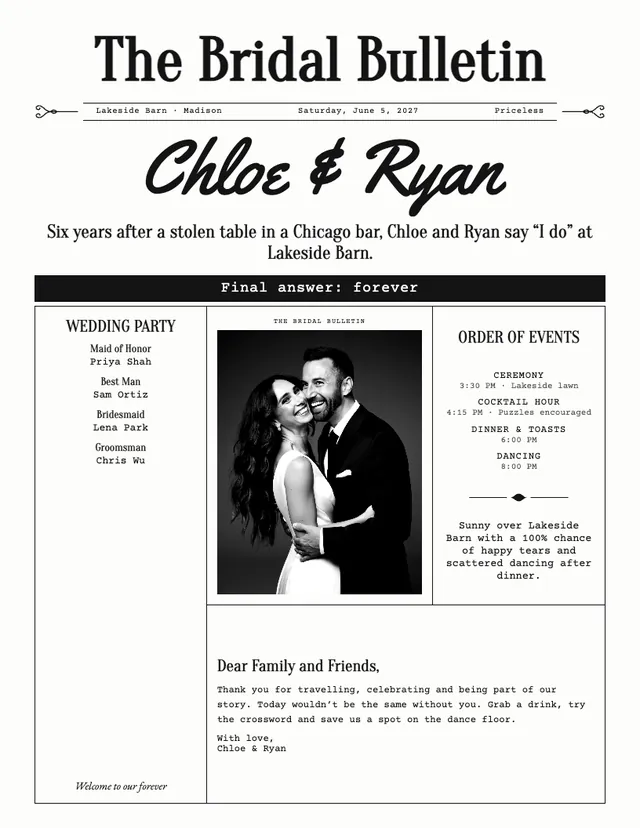
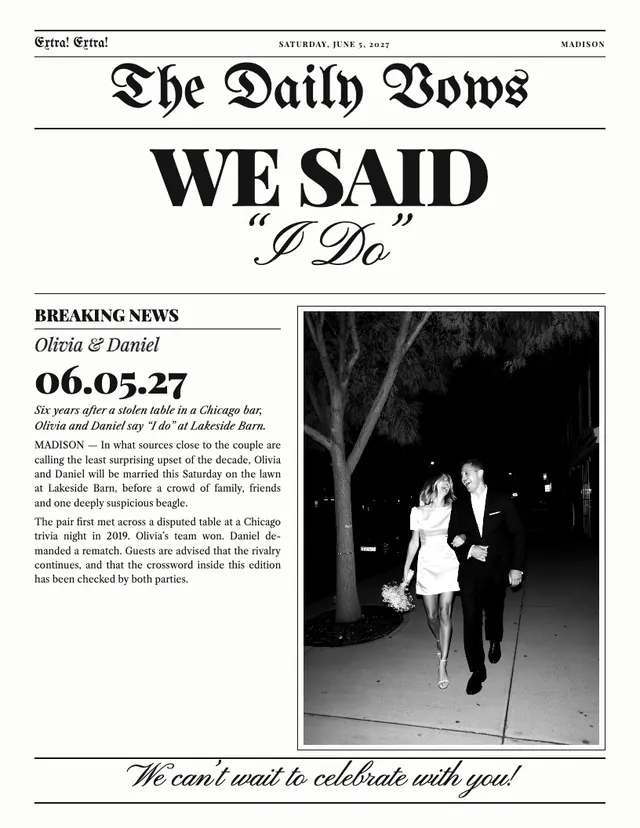
- Playful: Extra! Extra! shouts "WE SAID I Do" in giant type beside a breaking-news column. The Bridal Bulletin mixes bold headlines with typewriter text in boxed columns.
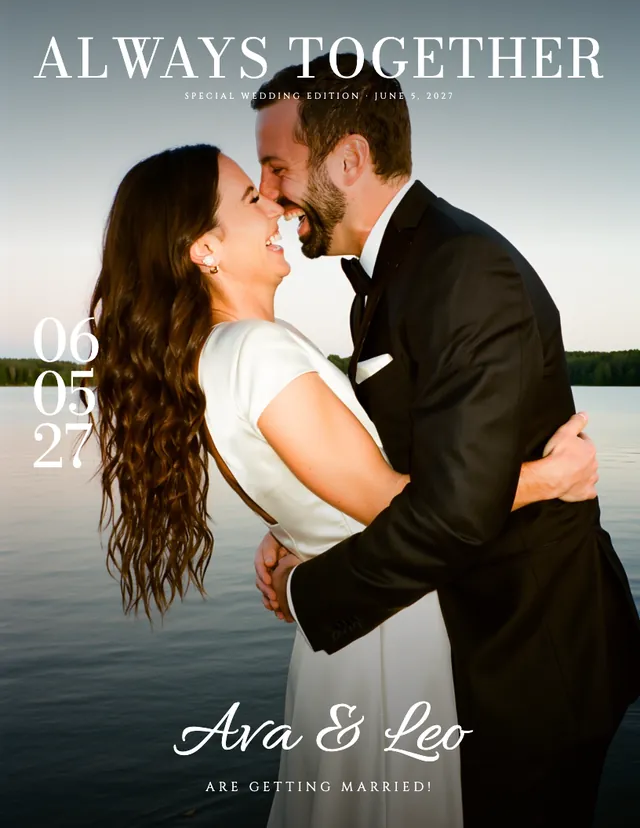
- Color magazine: The Wedding Magazine is the one full-color design, with a cover photo that fills the page.
Now the photo test. One dramatic shot you love belongs in a design where the photo carries the page: The Wedding Post, The Newlywed Times or The Wedding Magazine. If your photos are nice but not cover material, The Wedding Times and The Bridal Bulletin use a smaller photo and more words. The eight newspaper designs show photos in black and white, which is kind to a mix of phone pictures; only the Magazine keeps them in color.
Seven front-page styles
The front-page layout is a separate choice from the design's type and masthead. Each design comes with its own front page, and you can swap in any of the seven:
- Full photo: masthead, headline and one large photo with your names on it.
- Tall portrait: fine capitals and a tall photo with your names on top.
- Big headline: giant words, a big date and a breaking-news column.
- Programme: wedding party, photo and order of events in columns, so the front page doubles as the ceremony program.
- Vintage broadsheet: ornate masthead, a heavy headline and three ruled columns around an oval photo.
- Modern: tall condensed masthead, headline and story beside a large photo, with the details in a band along the bottom.
- Big script: one giant script word over a tall photo, with your names and date.
So The Wedding Times type with a Big headline front is a perfectly reasonable thing to want, and it is exactly what the engagement edition on our examples page uses. The Wedding Magazine is the exception: it always uses its own magazine cover.
Paper tones and accent colors
Every design comes in three paper tones: Bright white, Warm ivory and Newsprint grey. Warm ivory suits The Vintage Gazette and The Wedding Times. Newsprint grey gives Extra! Extra! the look of a paper bought off the stand. Bright white keeps The Wedding Wire and The Love Letter crisp.
You can also pick an accent color for the small details: ink black, navy, burgundy, sage or terracotta. Match it to your invitations or flowers, or stay with ink black if you are printing on a black-and-white printer.
One thing to decide before you print: if you are buying cream or ivory paper, choose Bright white on screen, so the warmth comes from the paper and the two tones don't stack up.
What pages come with every design
A newspaper can run up to eight pages, and every design has all of these to choose from:
- Front page: masthead, names and your main photo.
- Our Story: how you met, the proposal and a timeline.
- The Big Day: wedding party, order of events and menu.
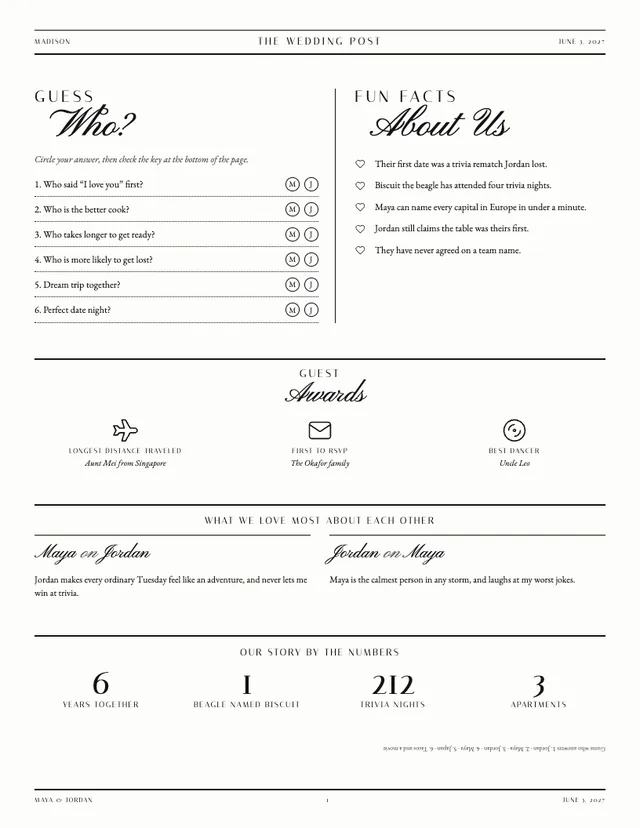
- Fun & Facts: a guess-who quiz, guest awards, what you love about each other and your story by the numbers.
- Guest Guide: venue, schedule, things to know, travel tips and traditions explained.
- Puzzles: a crossword and a word search made from your details, with the answers printed on the page.
- Photo Moments: a full-page collage.
- Share the Moment: hashtag, website QR code, thank-you and in loving memory.
- Back cover and Wishes for the couple, lined space for guests to write in.
That is ten pages for eight slots, so something has to give. A new newspaper starts with four (front page, Our Story, The Big Day and Puzzles), and you add from there. If you plan to print a folded tabloid, keep the count at four or eight, because a tabloid newspaper is printed in multiples of four pages. Every page is shown filled in on the wedding newspaper examples page.
Print sizes
Every design downloads in the same five sizes, and the type scales with the page so the layout keeps its proportions:
| Size | Dimensions | Best for |
|---|---|---|
| US Letter | 8.5 × 11 in | A home printer in the US and Canada |
| A4 | 210 × 297 mm | A home printer in the UK, Australia and most other countries |
| Tabloid | 11 × 17 in | Copy shops such as Staples or FedEx Office |
| Folded booklet | 17 × 11 in sheets | Double-sided, already in booklet page order, folds to Letter |
| Newspaper Club tabloid | 289 × 380 mm | Printing on real newsprint |
VowPress doesn't print or ship anything: you print at home, at a copy shop, or with a newspaper printer. The wedding newspaper size guide and how to print a wedding newspaper go through each option.
The Wedding Suite plan adds signs, menu cards, a ceremony programme and table numbers in the same design.
Try a design on your own story
The quickest way to choose is to see your own names in a few designs. Answer the questions, preview for free with a watermark, and switch between designs until one feels like your wedding. When you're happy, pay once ($24 for the Newspaper plan) to download the print files, and upgrade later for the difference if you decide you want the signs. There is a full refund within 14 days.
Questions couples ask
Are VowPress wedding newspaper templates editable?
Yes. Click any words on the page to change them. You can also change the design, front-page style, pages, paper tone and accent color whenever you like.
Can I change the design after my newspaper is written?
Yes. Every design has every page, so your text and your edits move across when you switch.
Do I need design software?
No. You answer questions, edit on the page and download print files that are ready to go to a printer.
Which design works best on a black-and-white printer?
Any of the eight newspaper designs, since they show photos in black and white; choose the ink black accent. The Wedding Magazine is the one made for color printing.
How many pages should a wedding newspaper have?
Four is a comfortable start: front page, Our Story, The Big Day and Puzzles. Eight fits nearly everything, and both counts suit a tabloid, which prints in multiples of four pages.
Is there a free wedding newspaper template?
You can build and preview your whole newspaper for free with a watermark. Downloading the print files is a one-time $24 on the Newspaper plan.
 Wedding newspaper examples, page by page
 Wedding newspaper ideas: 40+ things to fill every page